Work / Nokia Network as Code × WaveXD
Fraud Prevention
Powered by Network APIs: WaveXD and Nokia NaC in Action
An animated product explainer about turning network capabilities into reusable application building blocks.
RoleArt direction, storyboarding, illustration and animation.
Contents
Project snapshot
- The brief
- Create an animated explainer showing how Nokia Network as Code works with WaveXD to help developers build network-aware applications faster, using reusable components rather than complex API integrations.
- The ask
- A new video, made as a joint collaboration between Nokia and WaveMaker — with time to approach it in detail and deliver high-quality animation.
- The challenge
- Make a technical developer-platform story understandable and engaging for an audience that may not have deep telecom expertise.
- Collaboration
- Build
- Review
- Refine
- Review
- Publish
Define Produce
Signing off the brief in week 1 gave every later review a reference point, so feedback could be judged against agreed criteria instead of personal taste.
- My role
- Art direction, storyboarding, illustration and animation.
- Deliverable
- Animated explainer film, plus intro animations.
- Approach
- Clarify the product story, structure the narrative, build a connected visual language, develop reusable assets and use motion to explain the relationships between the technology and its applications.
The context
Network as Code exposes network capabilities through APIs. WaveXD turns those capabilities into reusable UI components and application templates that developers can configure and use in their applications.
The explainer needed to show how these parts connect — not just introduce two names independently.
The communication goal — help viewers understand the journey from network capability, to reusable component, to a working, network-aware application.
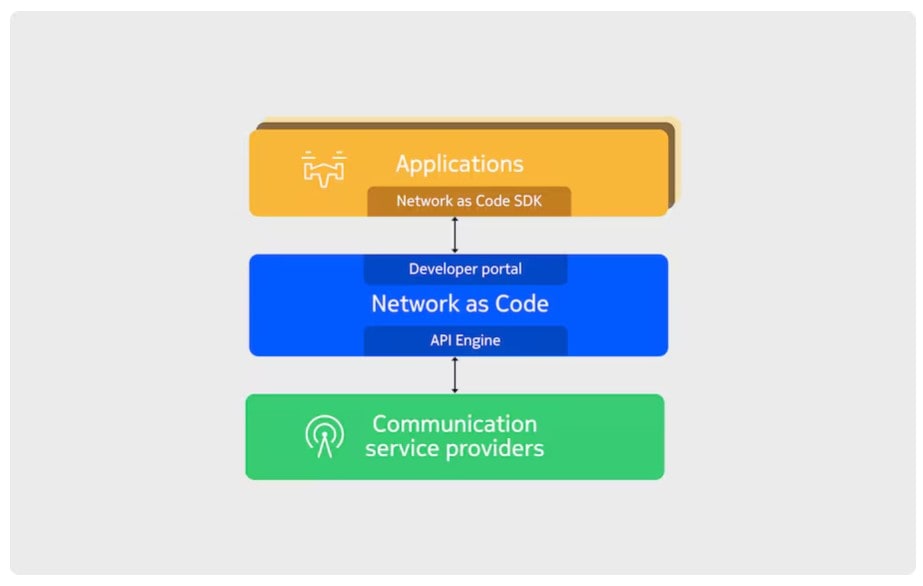
- ExposeNetwork as Code exposes 5G network capabilities through secure APIs.
- ConvertWaveXD converts APIs into reusable UI components, prefabs, journeys and template apps.
- BuildDevelopers use the components in the WaveMaker AI App Builder or embed them in their apps.
- CallAt runtime, apps securely call Network as Code APIs through WaveXD components.
- ExperienceReal-time 5G capabilities work automatically.
The challenge
Advanced 5G network capabilities can be powerful, but the APIs that expose them can be difficult to understand and integrate. Integration can require significant development effort, and building real-time applications can take time.
How could I explain the value of the platform without forcing the audience to first understand the underlying complexity of telecom APIs?
The core idea
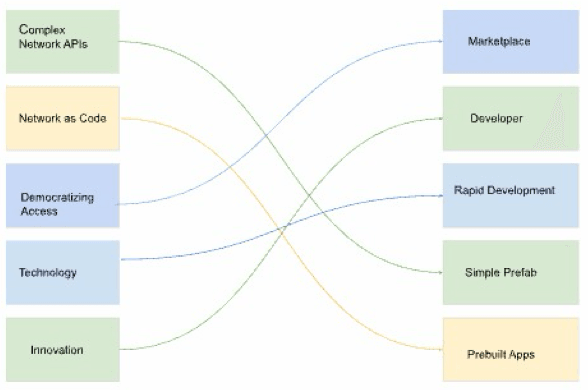
I structured the explanation around a clear sequence: network capabilities become accessible through APIs; WaveXD turns those capabilities into reusable components; developers assemble those components into applications; and those applications can use real-time network intelligence.
The guiding idea — turn an abstract technical ecosystem into a visual system of connected building blocks.
- Network capability
- API
- Reusable component
- Application
- User experience
Design thinking
Decoding the script helped decide what was ready to move into production. After several discussions with the owner of the video, I learnt it was for business people — citizen developers, CEOs, stakeholders and business owners — as well as developers who want to build applications faster, not from scratch.
Extracting words from the script and mapping them individually helped move the work a few steps ahead.
Narrative strategy
-
Introduce the problem
Establish the main challenge in real life: fraud, and the risk it brings.
-
Reveal the capability
Introduce Network as Code as the way network capabilities are exposed through APIs.
-
Make it tangible
Show how WaveXD represents those capabilities as reusable components and templates.
-
Build the application
Illustrate how developers configure and combine components.
-
Show the value
Connect the workflow to practical, network-aware experiences.
- Visual strategy
- This was not meant to be a technical video — it was mainly for citizen developers. So I designed visuals that speak for themselves: even if someone misses the voiceover or watches on mute, the visuals still carry the idea.
- Language of motion
- The film would be published across every channel. Animation had to be seamless and fast, and each scene had to connect to the next so viewers could understand and remember it easily.
Story strategy & storyboard
-
Connection
How network, APIs, components and apps link together.
-
Value of the product
Fraud prevention.
-
Real-world scenarios
Industries where it makes a difference.
I used the storyboard to organise the narrative and map the relationship between the technical information and the visual sequence. It acted as a blueprint for scene order, pacing and transitions, and helped identify where a visual could explain an idea more clearly than additional text.
What the storyboard needed to do — keep the story understandable, maintain continuity between scenes and make sure every sequence contributed to the central message.
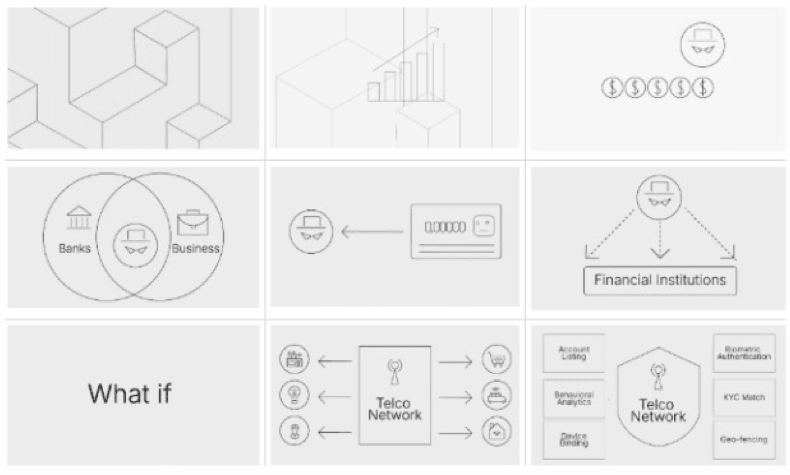
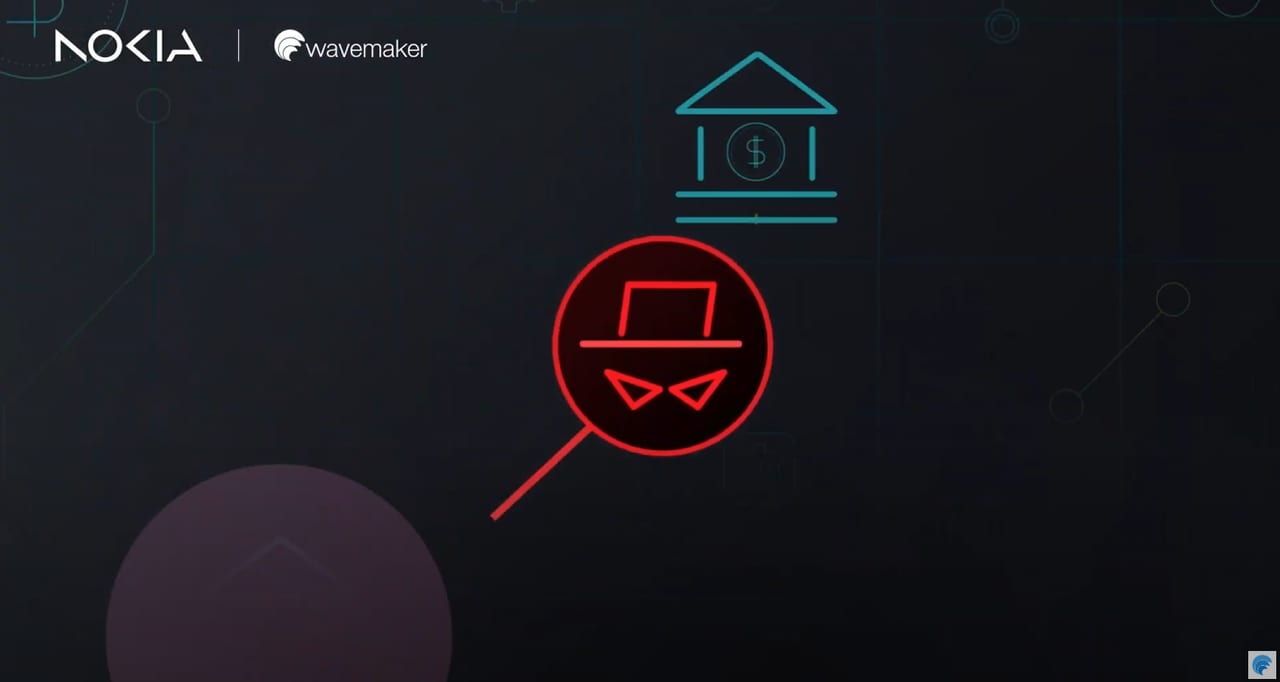
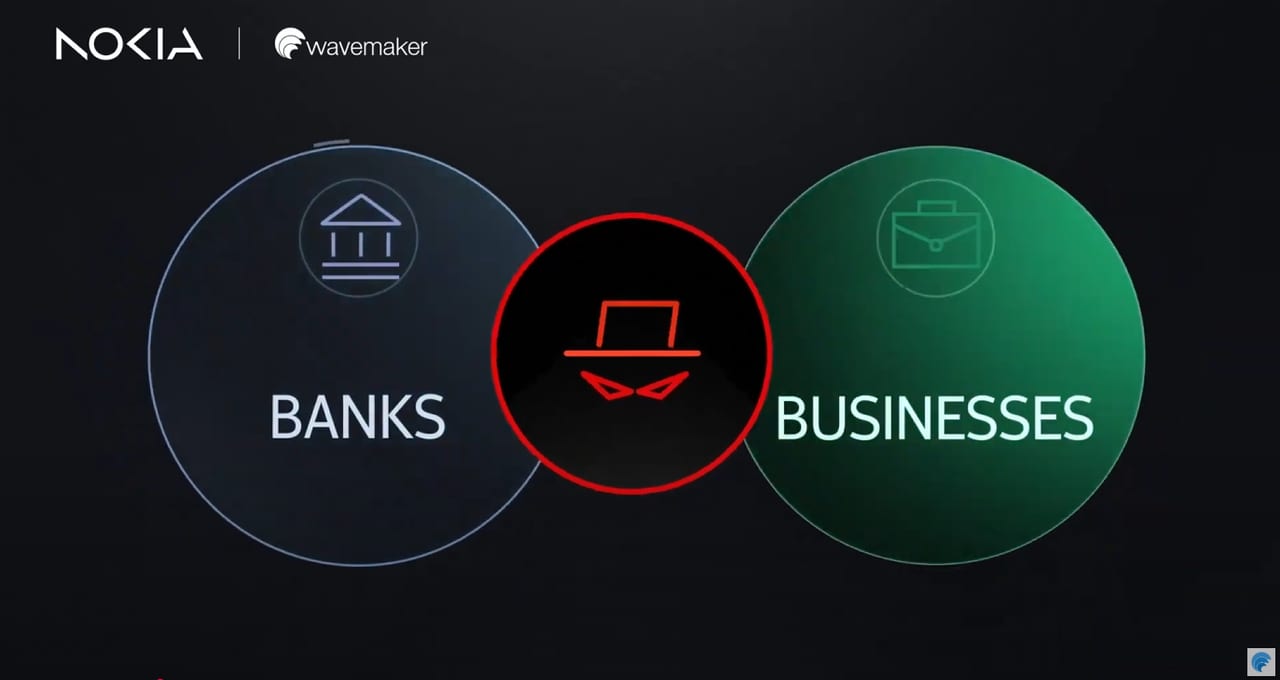
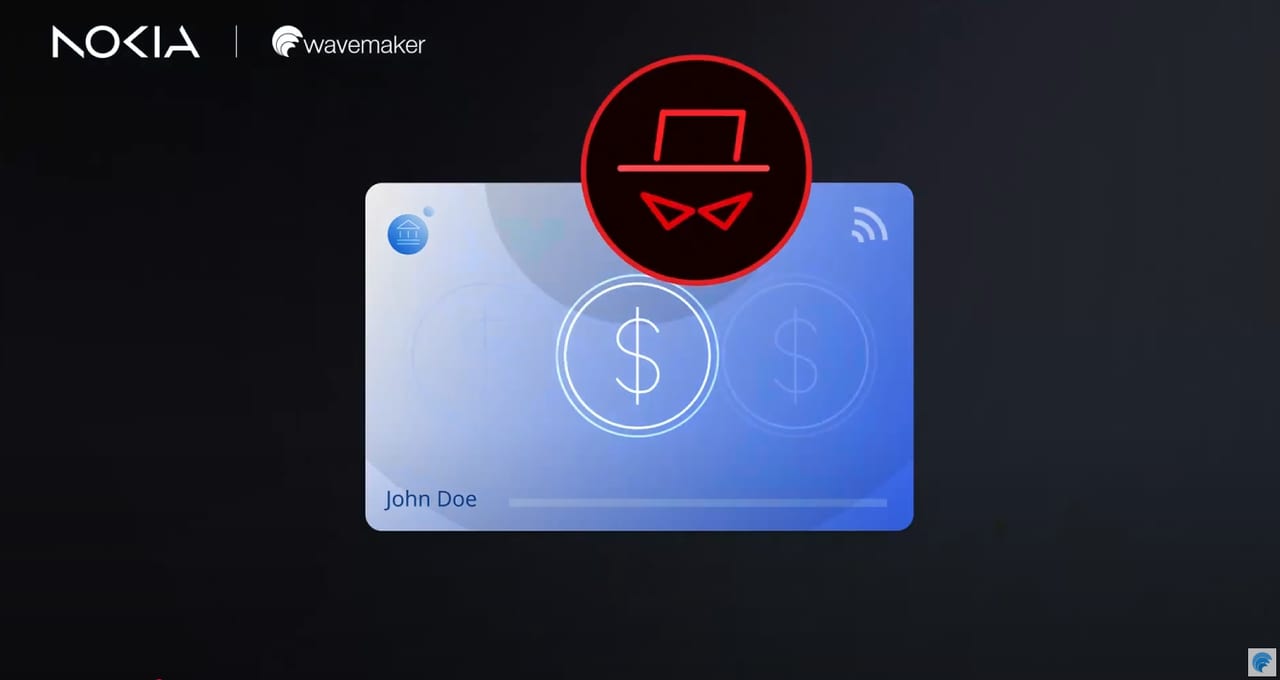
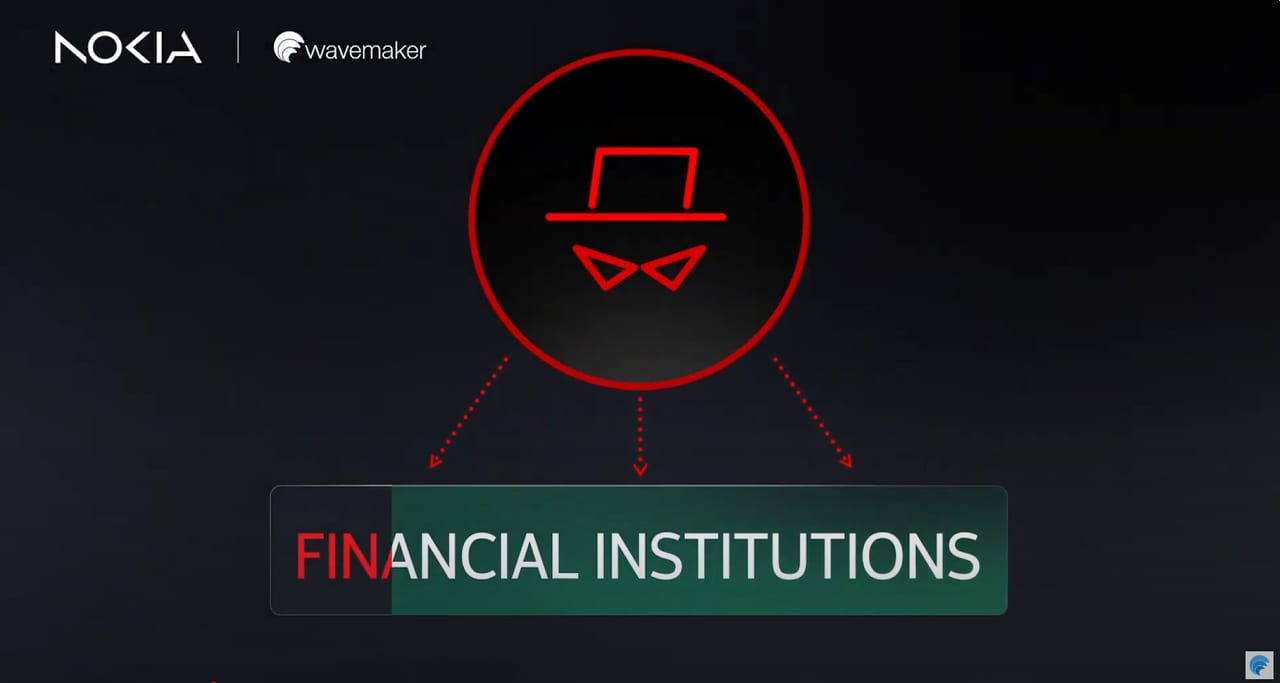
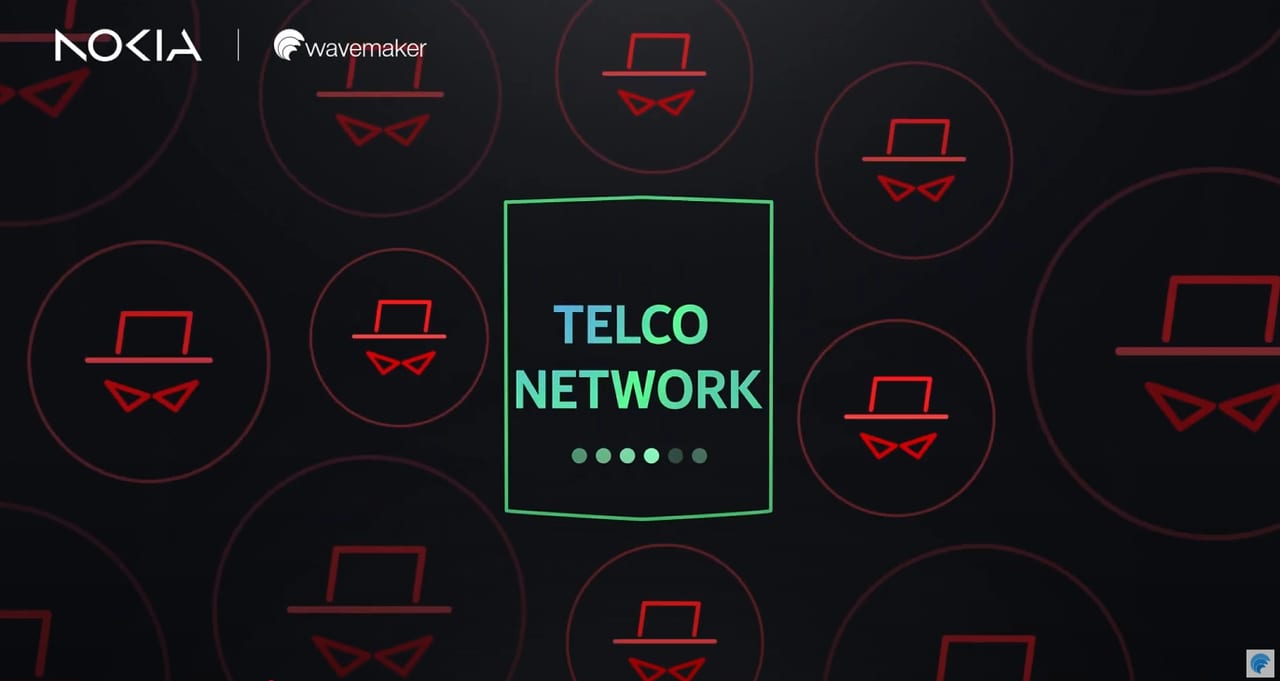
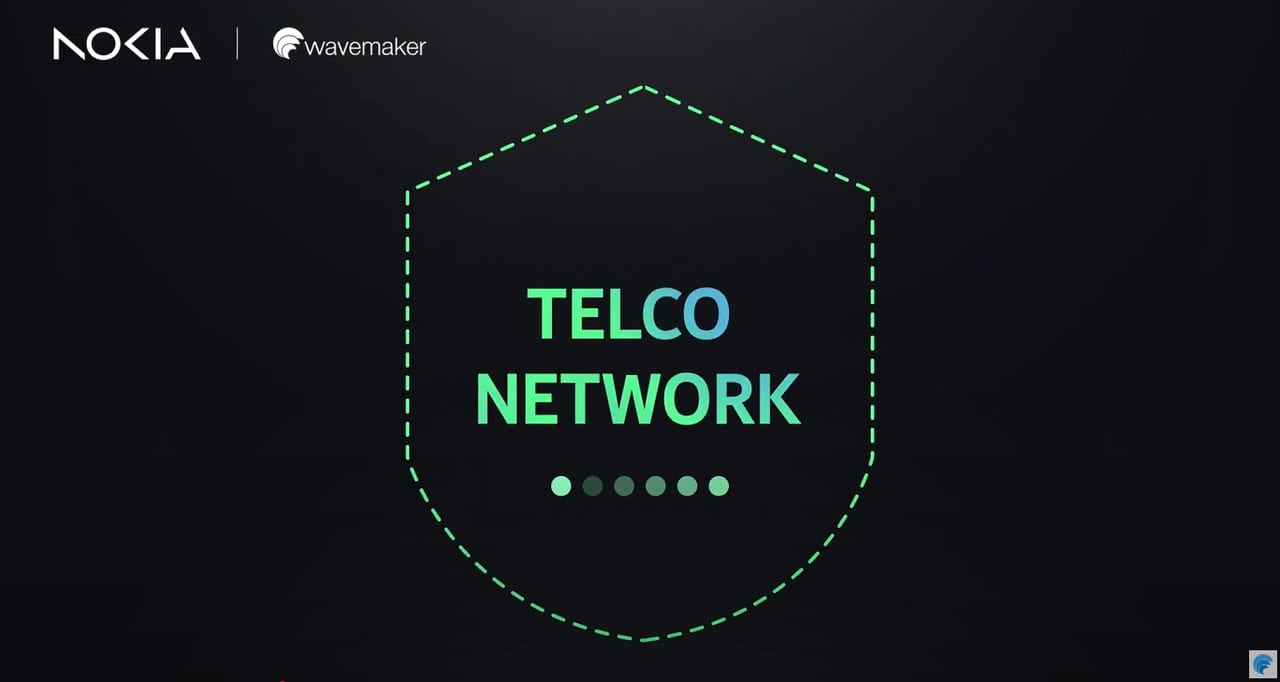
Scene planning helped measure the goal and the production time — especially important for a long-form video. At this stage we decided on the transactions and the connections to build.
Moodboard & visual language
A visual language designed to make technical ideas tangible.
The visual direction needed to make a technical subject feel clear and approachable, while staying consistent with the identities of Nokia and WaveXD. I worked with existing brand assets and adapted them where needed to support the story, rather than rebuilding every element from scratch.
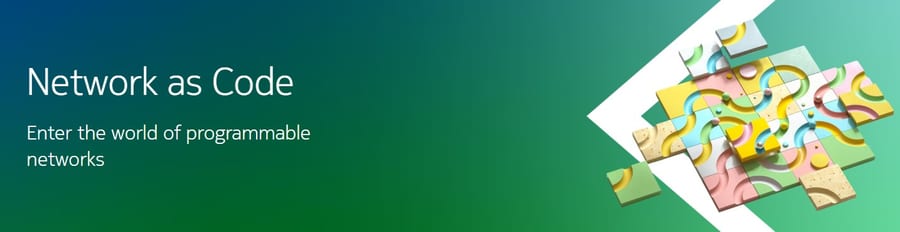
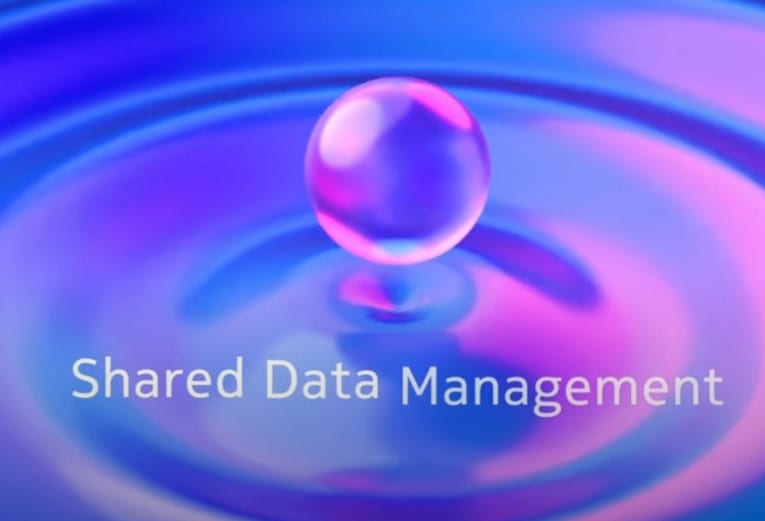
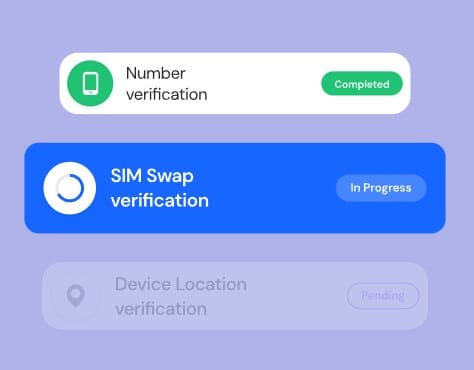
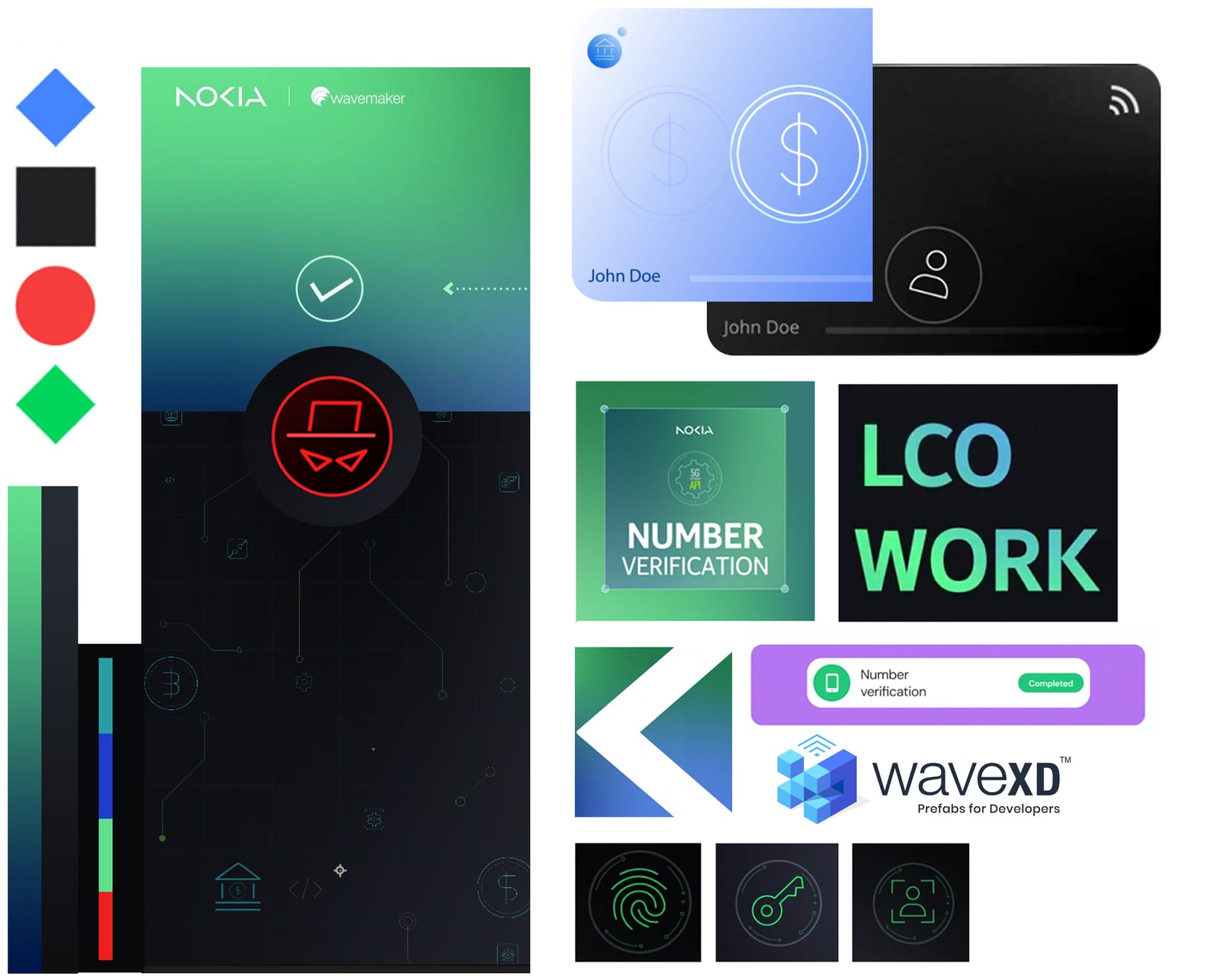
Consistency helps viewers recognise recurring objects and understand how the parts of the system relate to one another.
Assets creation
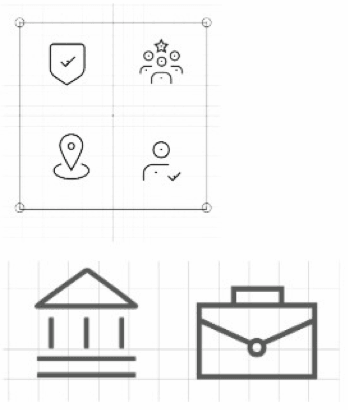
Nokia and WaveXD already had established brand assets. To work efficiently with time and resources, I incorporated existing design elements and adapted them.
Where appropriate, I also reused artwork from the film with small adjustments, so the visual language stayed consistent across scenes.
Why it mattered — reusing and adapting assets helped maintain continuity while avoiding unnecessary duplication of work.
Character development
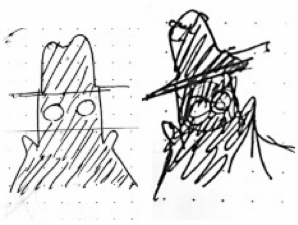
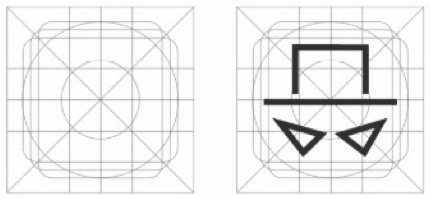
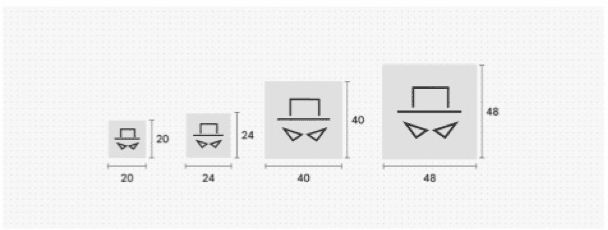
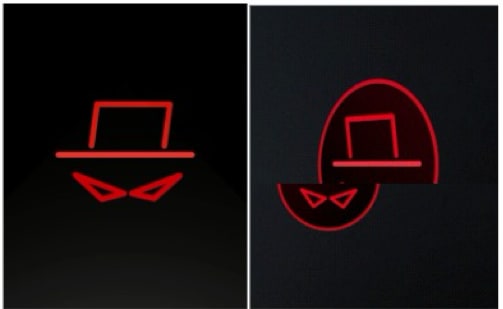
The character was developed through a series of visual explorations, moving from sketches to digital refinement and a more defined final treatment. The process let me test the character’s tone, contrast and level of detail against the surrounding visual system.
Design question — what visual treatment would make the character read clearly and match the tone of the story?
Think in motion
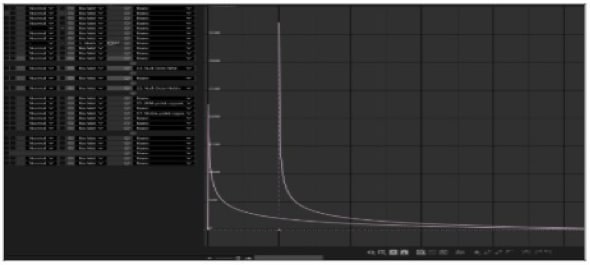
Building a modular visual system. I organised the visual elements into groups — reusable character or hero elements, application and use-case elements, and supporting assets — so they could be compared and combined consistently. The goal was not simply to create individual illustrations, but to make the elements work together as one visual system.
- Animate the scene
- Don’t stop
- Transitions
- Stitch scenes with match cuts
- Keep the connection
Visualising the use cases
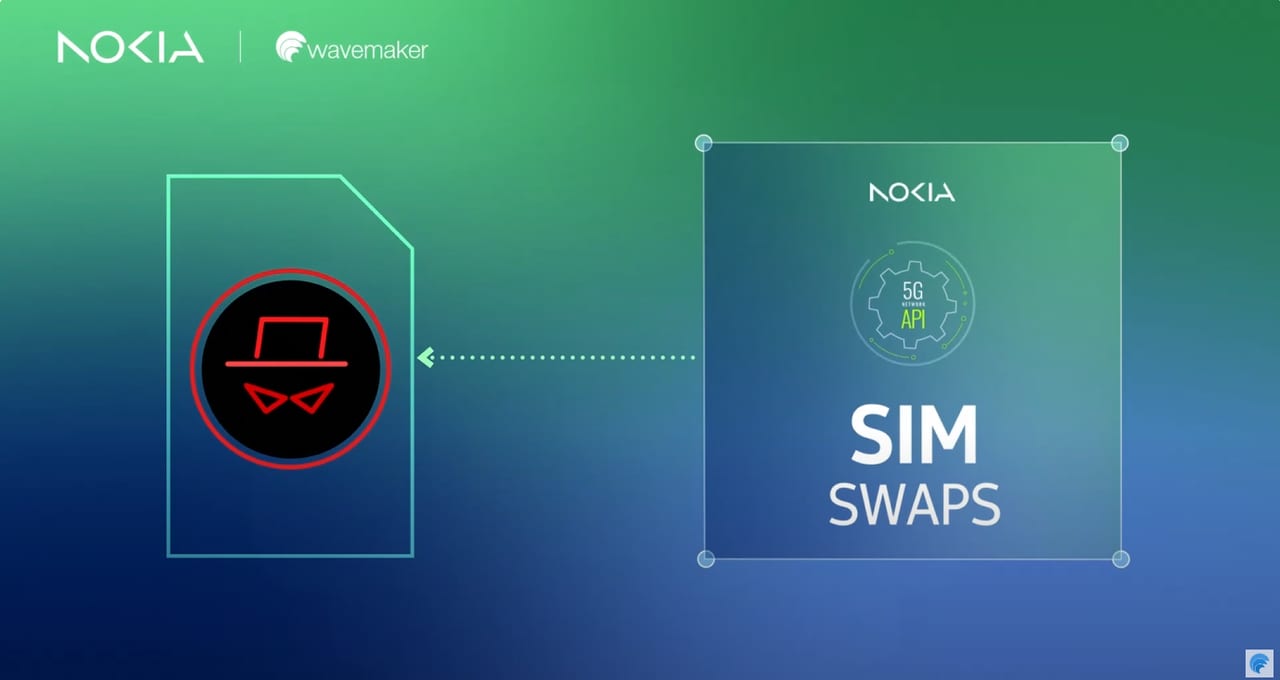
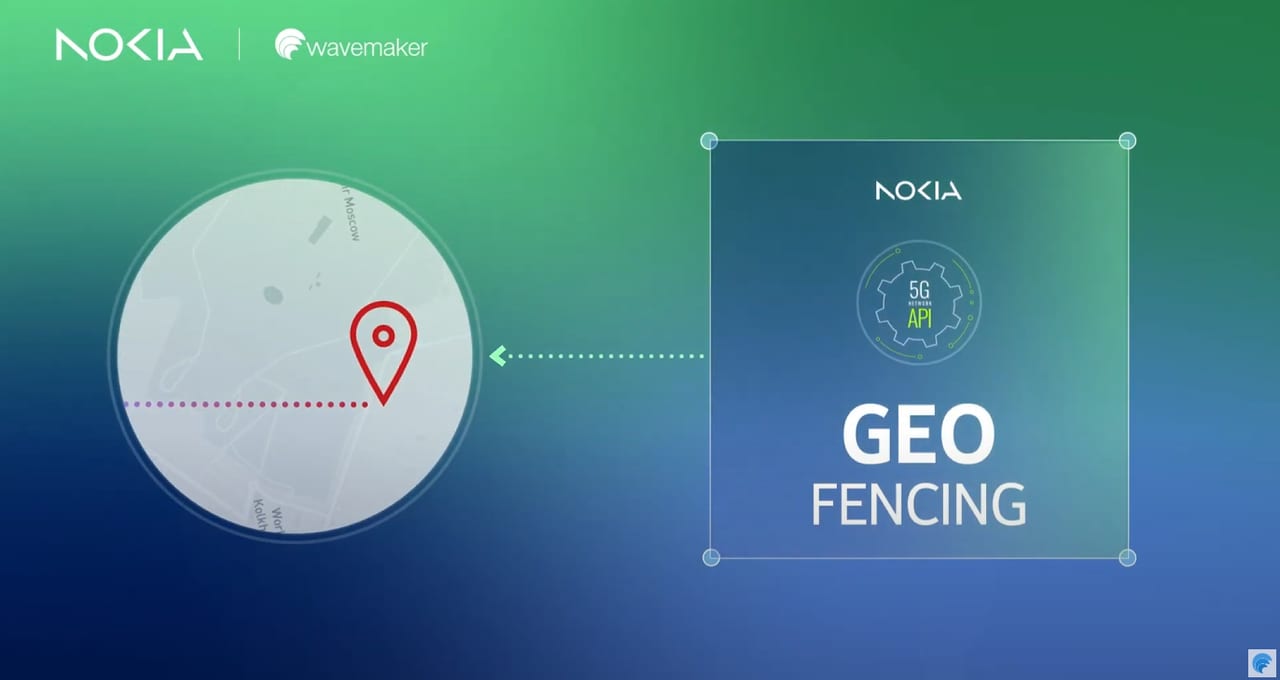
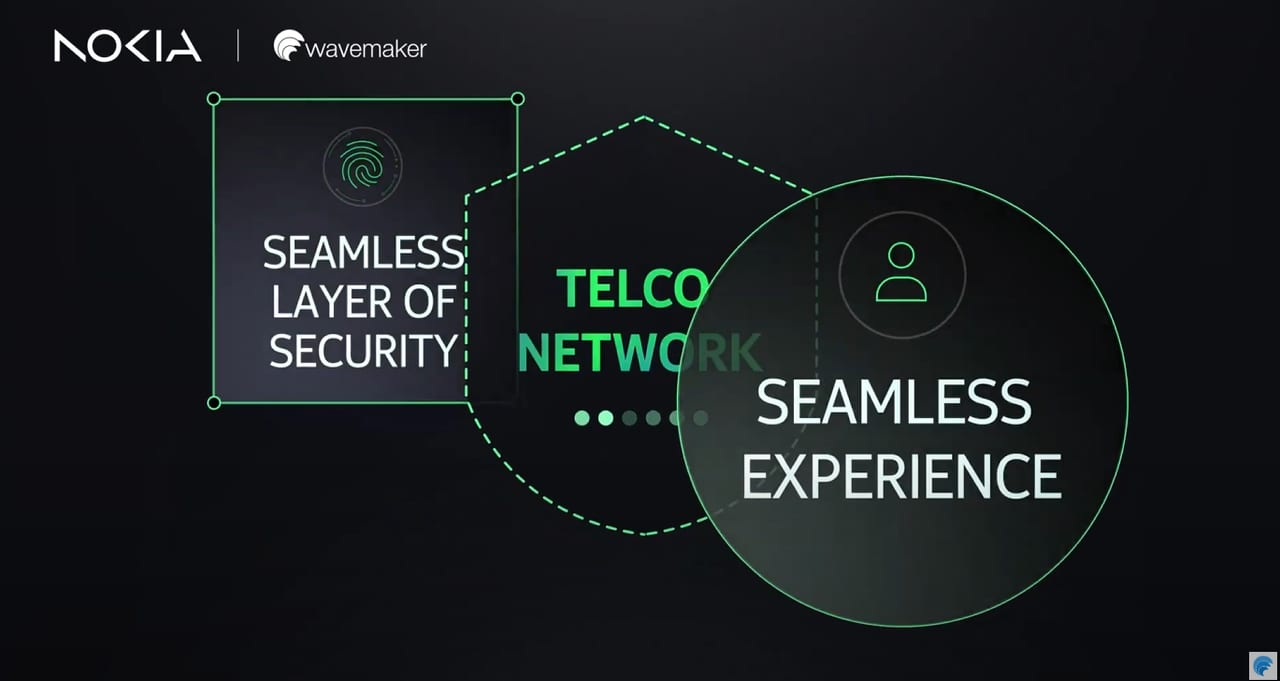
From idea to final scene — the film shows how the same building blocks apply across industries.
-
Financial services
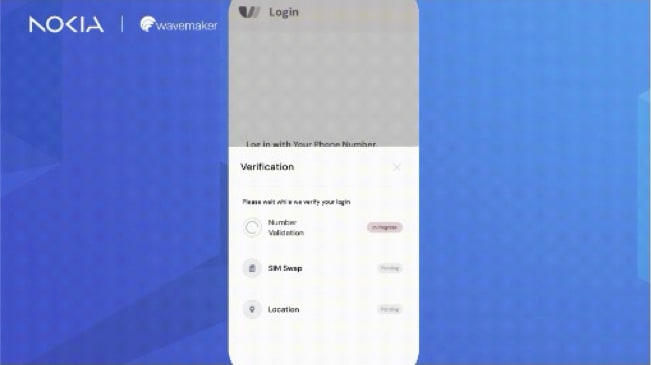
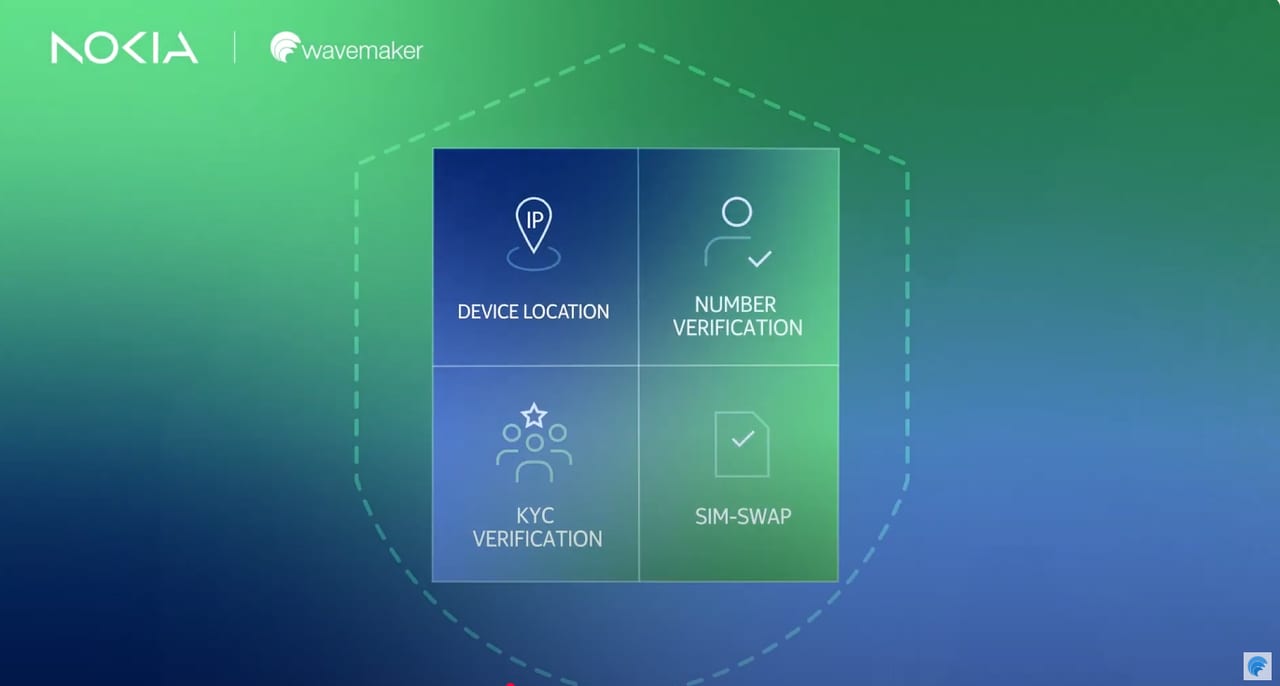
Fraud prevention using SIM-swap detection and device location.
-
Live events and gaming
Enhanced streaming and low-latency experiences using Quality on Demand.
-
Industrial applications
Worker safety, drones and autonomous systems supported by real-time network intelligence.


Key takeaways
- Good motion design
- is not just about beautiful visuals — it’s about clear communication.
- Understanding
- the product and its user base helped me design animations that are not just nice to watch, but purpose-driven.
- This project deepened
- my ability to collaborate cross-functionally and create assets that support marketing, product and sales teams alike.
Thank you!